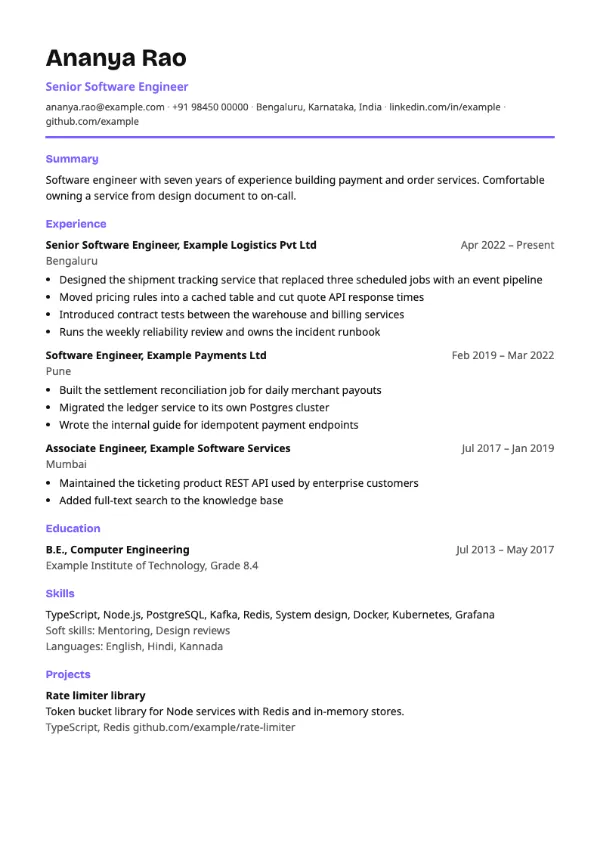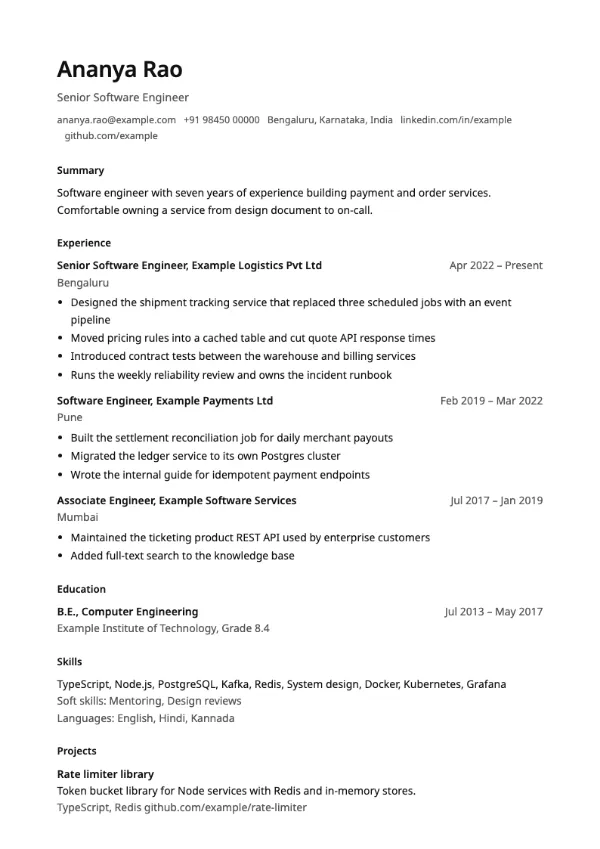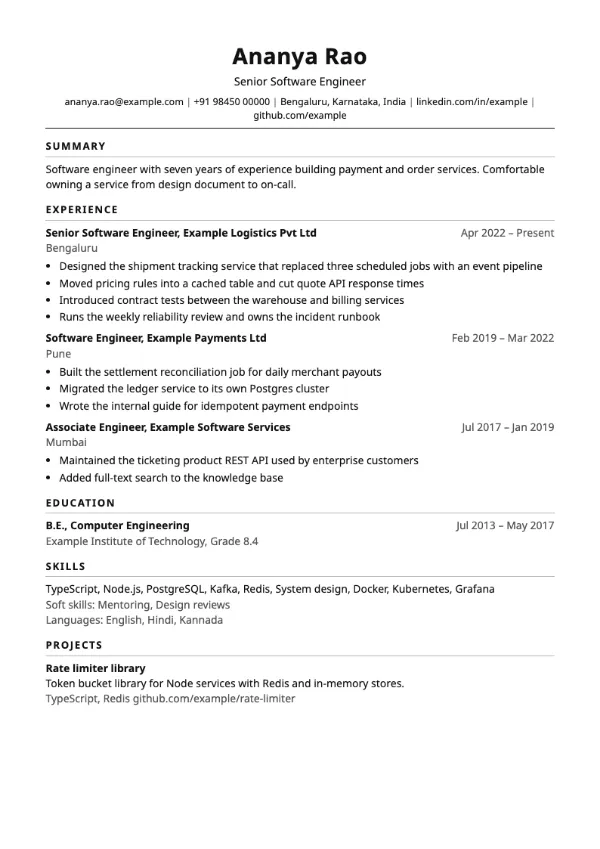
Classic
ATS-friendlyTraditional
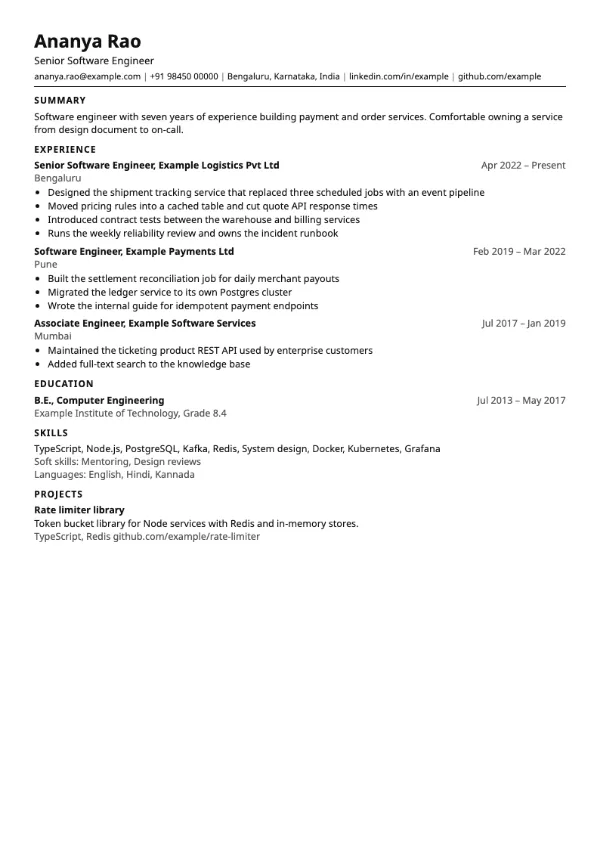
Preview with a fictional sample resume, in the default colour.
A dense one-page layout with narrow margins and smaller type for long histories.
| Detail | Compact |
|---|---|
| Layout | Single column |
| Applicant tracking systems | ATS-friendly |
| Photo | No photo area |
| Default colour | Black |
| Other colours | 10 more, including black |
| Categories | ATS-friendly |
| Price | Free, including PDF download |
Margins shrink to about 10 mm top and bottom, body text drops to 9.5 point and spacing between entries is tight. Headings are small uppercase labels without decoration. The result fits roughly a third more content on a page than the classic layout, while still reading in one column.
Experienced candidates with several roles who must stay on one or two pages, and freshers with many projects, internships and certifications to list. It also helps when a portal limits you to a single page.
Small type does not affect parsing because the text is real, selectable text. Keep at least 9 point for any line you want a human to read on screen.
Use the extra room for evidence, not more adjectives. If the page still overflows, cut the oldest role down to one line before reducing anything else.
Build your resume with Compact
Create a free account, fill in your sections and download a PDF. You can switch templates at any time.