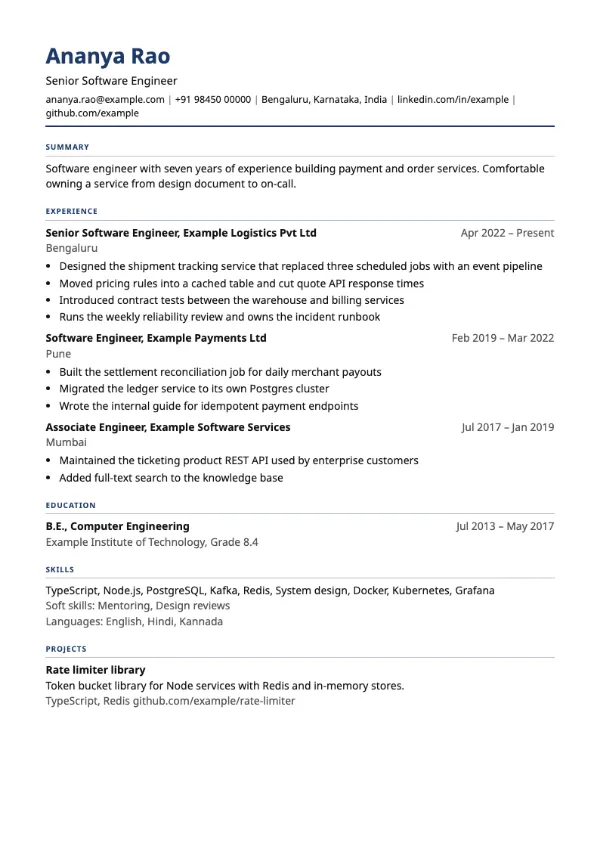
Traditional
ATS-friendlyProfessional, Traditional
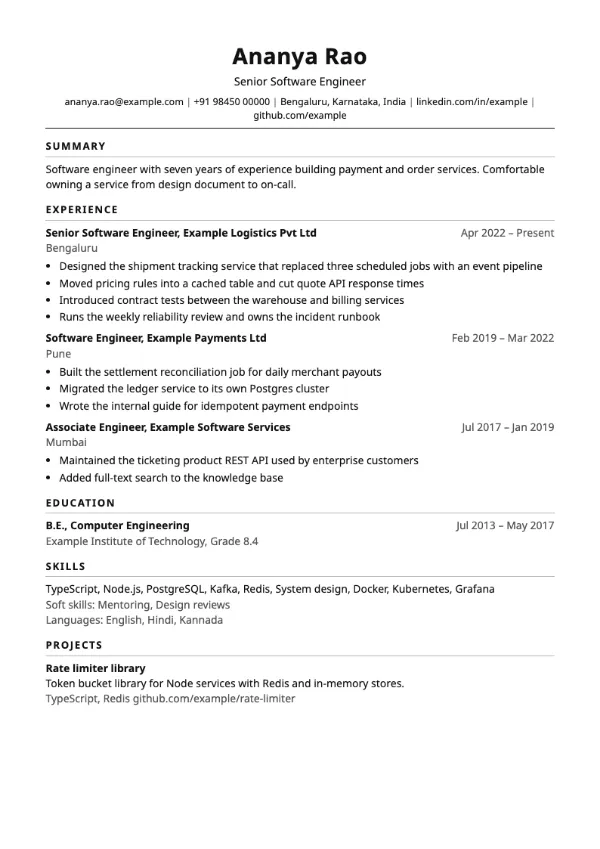
Preview with a fictional sample resume, in the default colour.
A centred, black-and-white layout with uppercase section headings and a rule under every heading.
| Detail | Classic |
|---|---|
| Layout | Single column |
| Applicant tracking systems | ATS-friendly |
| Photo | No photo area |
| Default colour | Black |
| Other colours | 10 more, including black |
| Categories | ATS-friendly, Traditional |
| Price | Free, including PDF download |
Your name sits centred at the top in a large bold weight, with your title underneath and every contact detail on one line separated by vertical bars. Section headings are set in small uppercase letters with wide spacing and a thin grey rule beneath them. Sections run Summary, Experience, Education, Skills and Projects, so a reader moves straight from what you do now to where you studied.
Candidates applying through large job portals and government or PSU recruitment, where the person screening expects a conventional page. It also works for anyone who wants one safe resume to reuse across very different roles.
Everything is in one column and the reading order matches the visual order, so parsers extract your roles in sequence. Contact details are plain text in the body rather than a page header, which keeps your email and phone readable.
Because the page is plain, the words carry it. Start each bullet with a verb and end it with the result, and keep dates in one format so the right-aligned column lines up.
Build your resume with Classic
Create a free account, fill in your sections and download a PDF. You can switch templates at any time.