Modern
ATS-friendlyGeneral
The OnJob resume builder is free. Pick one of 40 templates, 23 of them single-column and ATS-friendly, fill in your sections, and download a text-based PDF. The AI writer suggests a stronger summary and bullet points from what you enter, with five free AI writing suggestions every 30 days on the free plan.
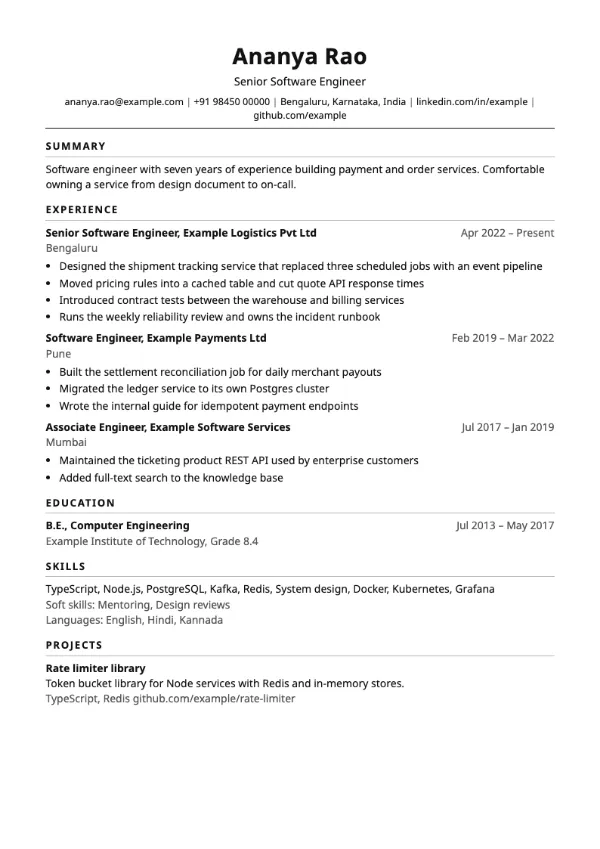
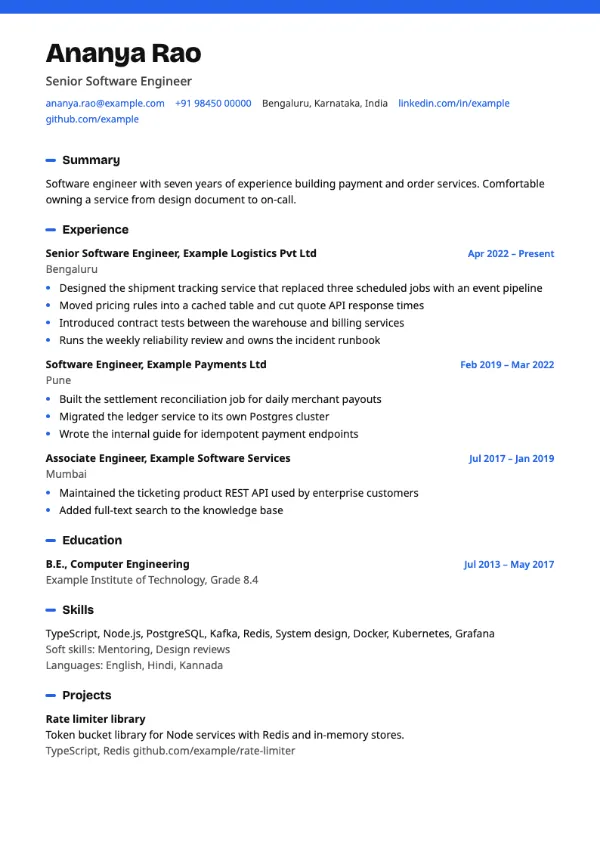
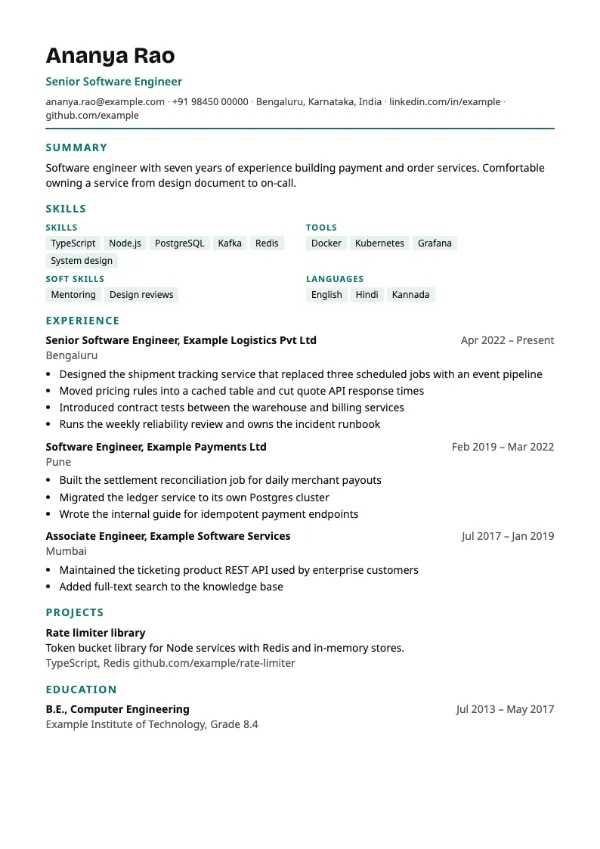
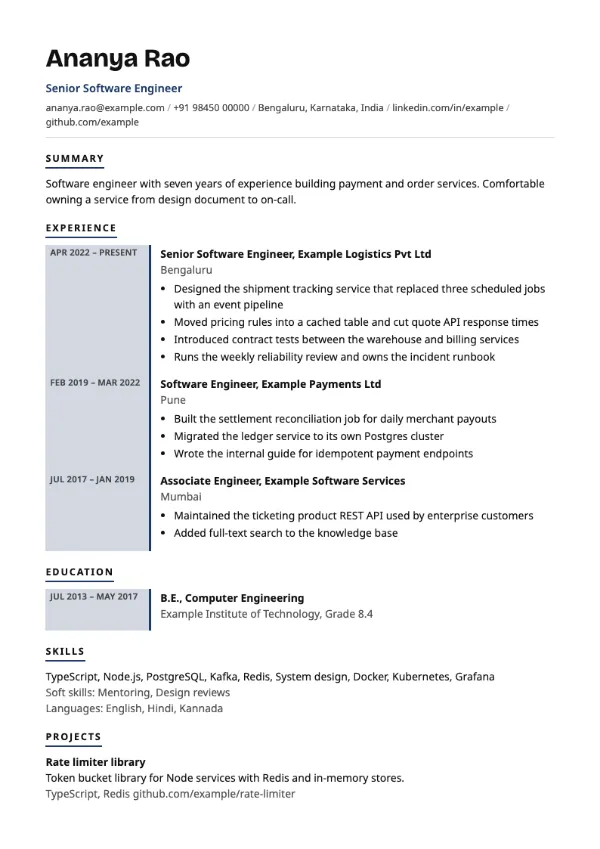
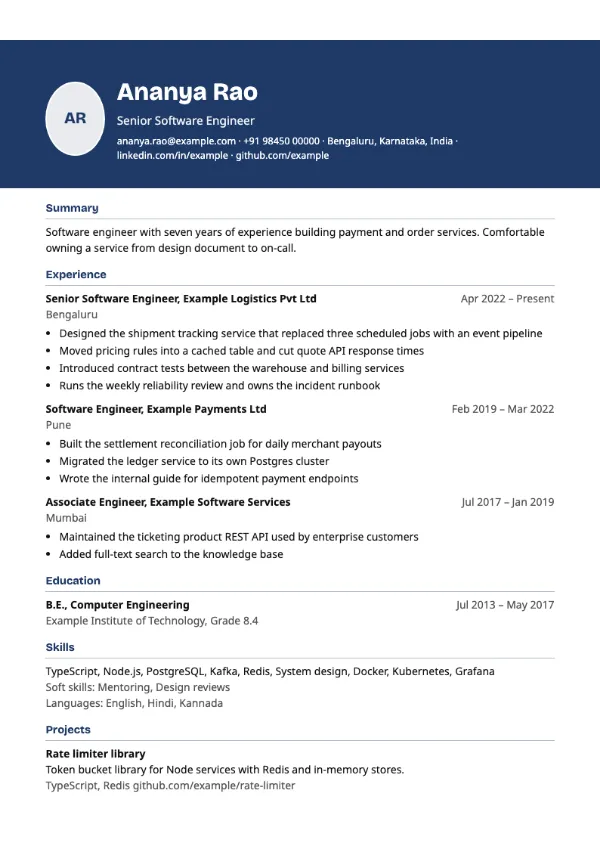
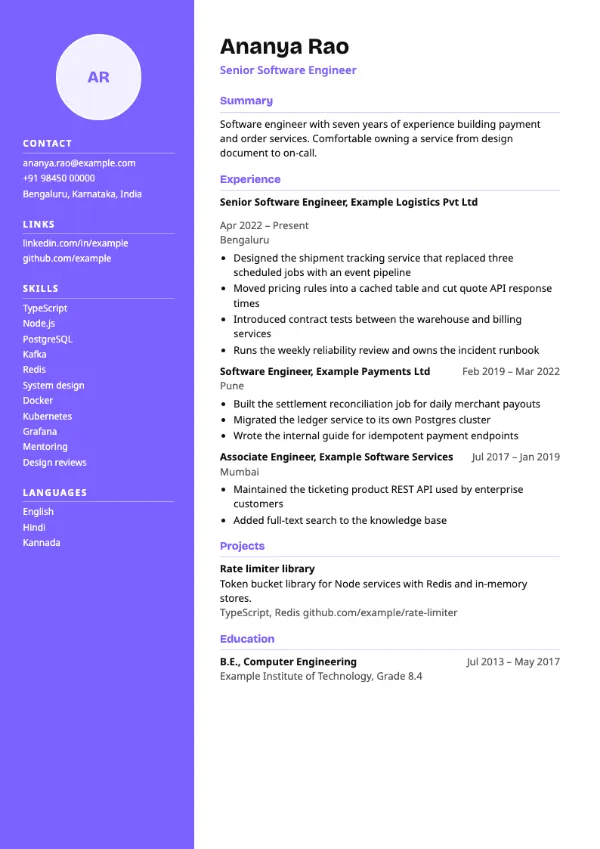
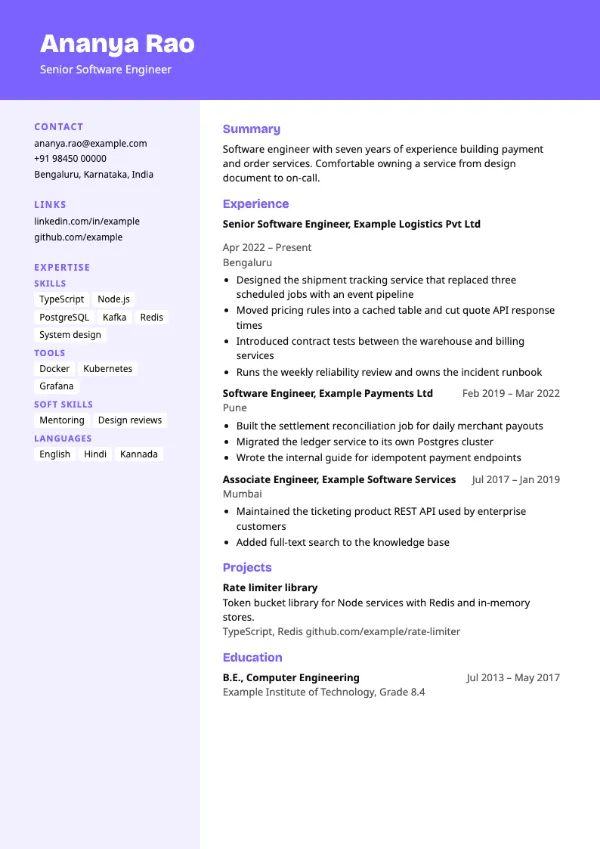
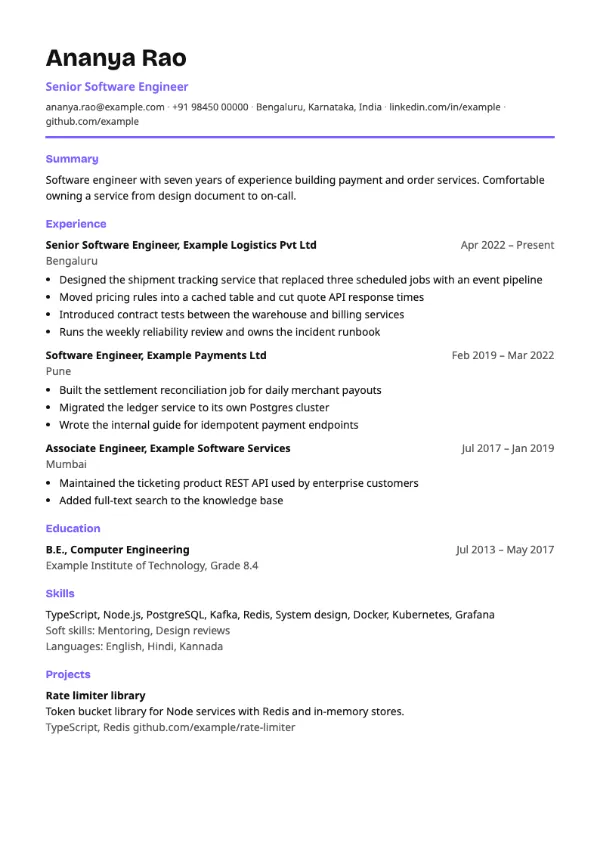
These previews are rendered by the same engine as the PDF you download. Choose one to open the builder with that template selected.
Start from one of the single-column ATS-friendly templates or a two-column design, and choose an accent colour. You can switch at any time without retyping anything.
Add your summary, experience, education, skills and projects. The AI writer can suggest a stronger summary or bullet points from what you entered, with five free AI writing suggestions every 30 days.
The preview is rendered by the same engine that makes the PDF, so the file you download looks exactly like the page you checked.
Every template in the library shows whether it is a single-column ATS-friendly layout or a design better suited to direct applications.
Ask for a stronger summary or sharper bullets for a role. Suggestions are built from what you wrote, and you accept or edit each one. Free users get five free AI writing suggestions every 30 days.
Open a job and ask the AI writer to suggest changes that bring your resume closer to what that posting asks for. Tailoring uses the same AI writing allowance.
Choose from eleven accent colours, including plain black. Templates with a photo area let you show or hide your photo.
Keep separate resumes for different kinds of roles and switch between them in the builder.
Compare your resume or profile with a specific job and see missing skills and quick fixes. Free users get three free job match checks every 30 days.
You can finish and download a resume without paying. The paid candidate plan adds the full ATS resume check and resume import.
| Feature | Access |
|---|---|
| Resume builder, all templates and colours | Free |
| PDF download | Free |
| AI writing suggestions and job tailoring | Free: five free AI writing suggestions every 30 days |
| Check your resume against a job | Free: three free job match checks every 30 days |
| AI cover letter for a job | Free: three free AI cover letters every 30 days |
| Full ATS resume check with a score per section | Paid plan |
| Import an existing resume file | Paid plan |
An ATS-friendly resume is one that an applicant tracking system, the software employers use to collect and filter applications, can read in the right order and match to the job. Resumes are often filtered out because of layout or missing keywords rather than weak experience.
In practice that means one column, standard section headings, selectable text and the keywords from the job description. In the OnJob builder, 23 of the 40 templates follow these rules and are labelled ATS-friendly; the others are designs for direct applications and printed copies.
| Don't | Do |
|---|---|
| Two- or three-column layouts, text boxes, tables | A single-column, top-to-bottom layout the ATS reads in order |
| A photo, logo or graphics-heavy design for portal uploads | Clean text with standard headings such as Experience, Education and Skills |
| Vague duties: 'responsible for managing the team' | Results you can check: 'led a team of 6 that shipped 4 releases a quarter' |
| Generic traits nobody searches for ('hardworking') | Real, job-matched skills ('React', 'SQL', 'Tally', 'Salesforce') |
| Contact details inside a header image | Email, phone and city as plain selectable text at the top |
| Sending a scanned image of your resume | A text-based PDF, which is what the builder downloads |
Name, phone, professional email, city, and a LinkedIn or portfolio URL, all as plain text.
Two or three lines: your role, years of experience, top skills and one standout result.
Reverse-chronological. Company, title, dates, then three to five bullets per role with results.
A scannable list of real, job-matched hard skills and tools. Screening software matches against this.
Degree, institution, year, and CGPA or percentage if strong. Freshers put this near the top.
Especially for freshers and career switchers: name the stack, link live work and list credentials.
Lead with your stack and link GitHub. Quantify scale: 'API serving 50k requests a day'.
Name the tools you query with (SQL, Python, Power BI) and tie projects to a business outcome.
Numbers win: quota attainment, deals closed, revenue, and the region you owned.
Education first, then projects and internships with what you built and the technologies used.
Pick an ATS-friendly template, fill in one role at a time, and write each bullet as an action followed by a result the reader can check. Keep it to a single column in reverse-chronological order, compare it with the job you want before you send it, and download it as a PDF.
It is safe when the facts in it are yours. The AI writer rephrases what you supply and does not invent employers, dates or numbers, so the risk is exaggeration rather than detection. Read every suggestion before you accept it and cut anything you could not defend in an interview.
Yes. The resume builder is free: every template, every colour and the PDF download, with no credit card. The paid candidate plan adds the full ATS resume check and resume import from a file.
The full ATS resume check, where you upload a resume and get a scored report for each section, is part of the paid candidate plan. On the free plan you can still check your resume against a specific job, with three free job match checks every 30 days.
Templates marked ATS-friendly use one column, standard section headings and plain text, so applicant tracking systems read them in order. Two-column and timeline designs are labelled as better suited to direct applications, because some systems read them out of order.
Importing an existing PDF or Word resume into the builder is part of the paid plan. On the free plan you type or paste your details into each section.
The builder downloads a text-based PDF. The text stays selectable, which is what applicant tracking systems need. There is no Word download.
No. The AI writer rephrases and tightens what you entered. Read every suggestion before you accept it, and remove anything you could not explain in an interview.
Build your resume free
Pick a template, fill in your sections and download a PDF. No credit card needed.