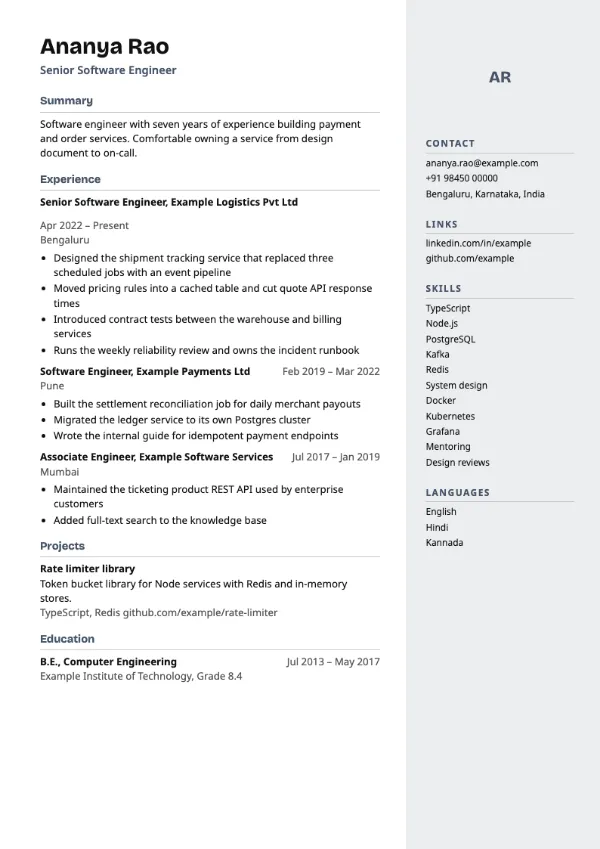
Two-column, Modern
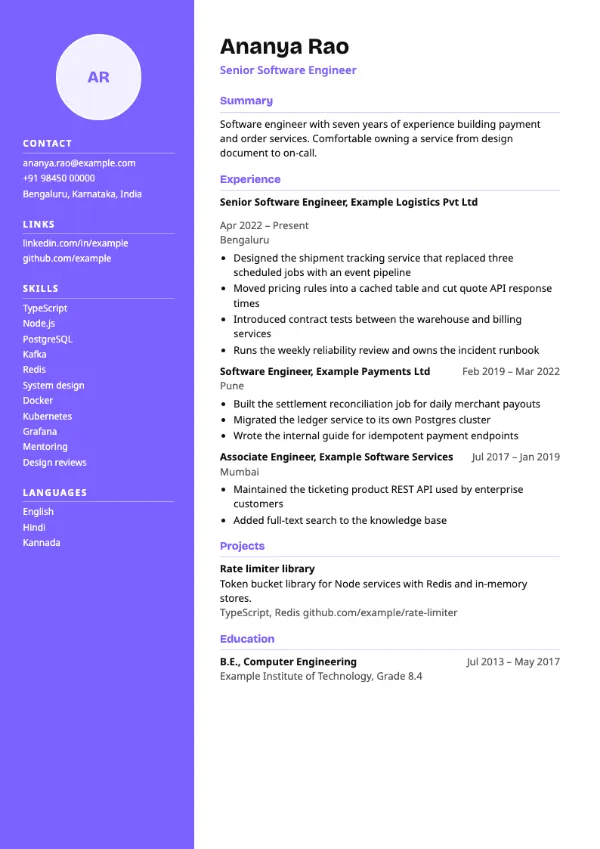
Preview with a fictional sample resume, in the default colour.
A solid coloured column on the left holding photo, contact details, skills and languages.
| Detail | Sidebar Left |
|---|---|
| Layout | Two columns |
| Applicant tracking systems | Best for direct applications |
| Photo | Optional photo area |
| Default colour | Violet |
| Other colours | 10 more, including black |
| Categories | Two-column, Modern |
| Price | Free, including PDF download |
A full-height column in the accent colour runs down the left of every page, with your optional photo, contact details, links, skills and languages in white text. The wider right column holds your name, summary, experience, projects and education. The colour reaches the edge of the paper when printed.
Designers, marketers and creative professionals sending a resume directly to a hiring manager, sharing it at a campus event or attaching it to a referral email, where a person rather than software reads it first.
Two-column layouts are read less reliably by some applicant tracking systems, which may merge the sidebar into your experience. For job portal applications, switch to a single-column template; your content carries over.
Keep the sidebar to short items such as tools and languages. Anything that needs a sentence belongs in the main column.
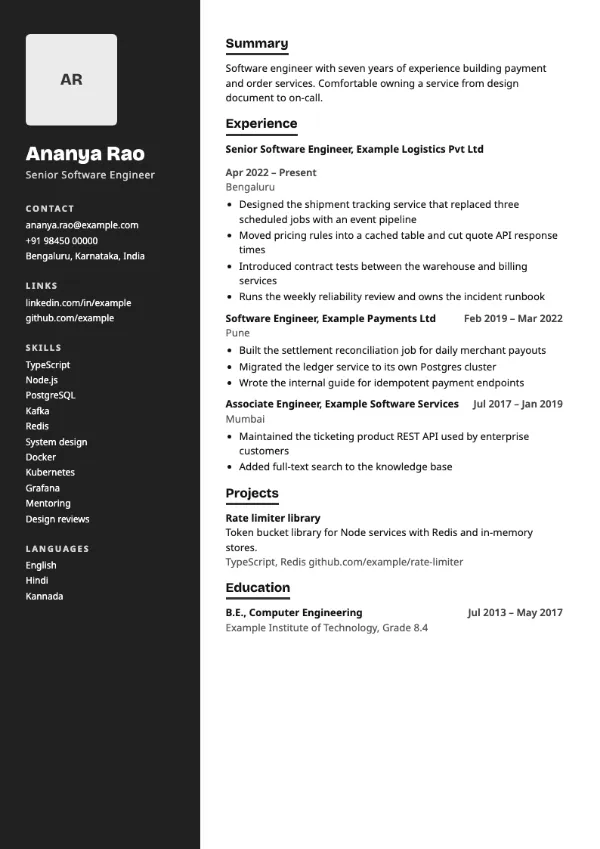
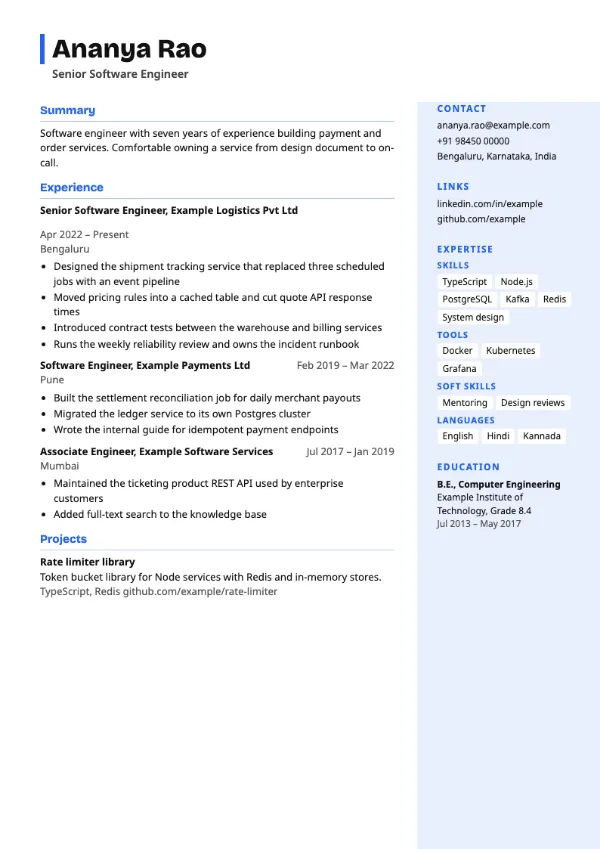
Build your resume with Sidebar Left
Create a free account, fill in your sections and download a PDF. You can switch templates at any time.