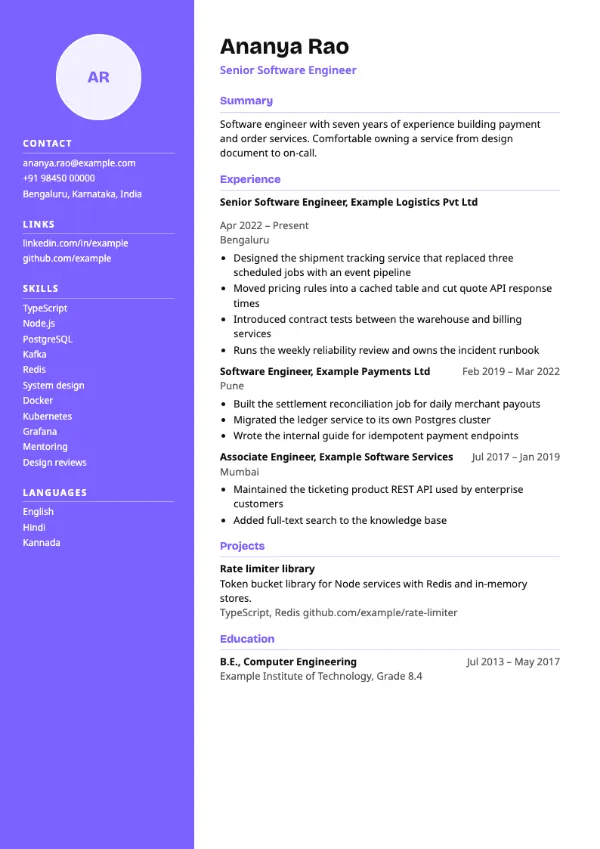
Two-column, Modern
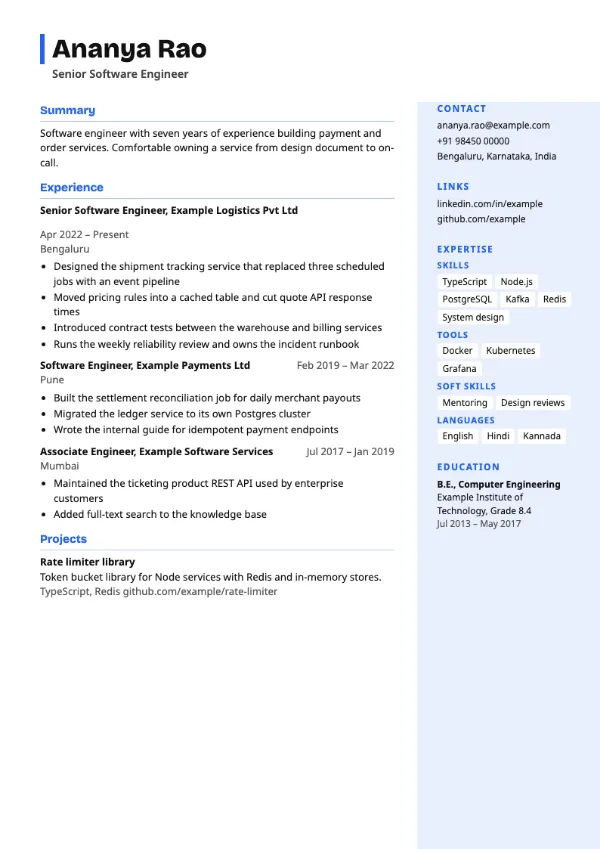
Preview with a fictional sample resume, in the default colour.
A full-width header with an accent bar and a tinted right column of skill tags and education.
| Detail | Offset |
|---|---|
| Layout | Two columns |
| Applicant tracking systems | Best for direct applications |
| Photo | No photo area |
| Default colour | Blue |
| Other colours | 10 more, including black |
| Categories | Two-column, Modern |
| Price | Free, including PDF download |
The header runs across the full page with an accent bar beneath it. Below, the main column on the left holds your summary, experience and projects, and a tinted column on the right lists contact details, links, grouped skill tags and education.
Data, engineering and product candidates who want their skill groups visible beside their experience, for referrals and applications sent directly to a team.
As a two-column design, it can be read out of order by some applicant tracking systems. Use a single-column template such as Skills First for portal uploads.
Group skills the way the job description groups them, for example Languages, Frameworks and Cloud, so a reader can tick them off.
Build your resume with Offset
Create a free account, fill in your sections and download a PDF. You can switch templates at any time.