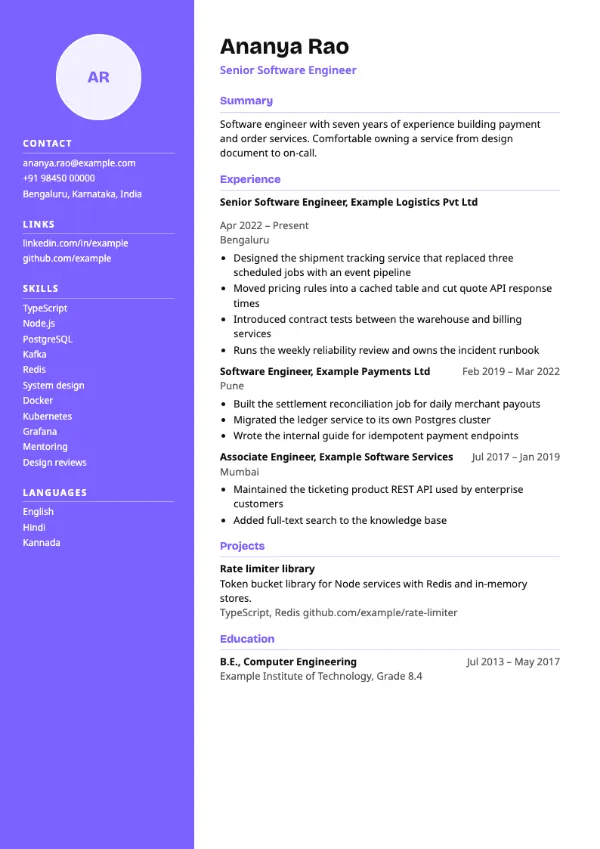
Two-column, Modern
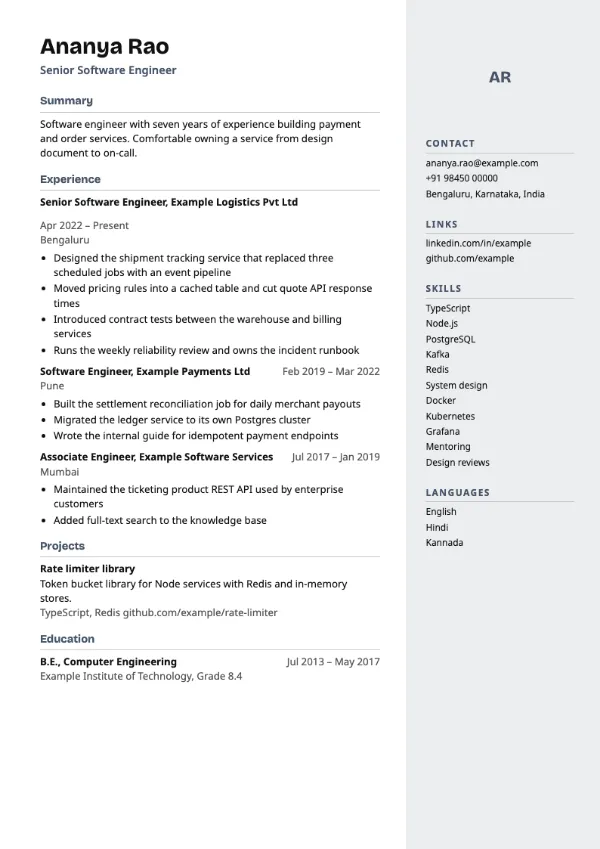
Preview with a fictional sample resume, in the default colour.
A light tinted column on the right, with the main content reading first on the left.
| Detail | Sidebar Right |
|---|---|
| Layout | Two columns |
| Applicant tracking systems | Best for direct applications |
| Photo | Optional photo area |
| Default colour | Slate |
| Other colours | 10 more, including black |
| Categories | Two-column, Modern |
| Price | Free, including PDF download |
The main column on the left carries your name, summary, experience, projects and education, so the reader meets your work first. A narrow column on the right, filled with a pale tint of the accent colour, holds contact details, links, skills and languages. Sidebar headings are in the accent colour with a thin rule.
Product managers, analysts and consultants who want a structured, modern page for direct applications and interviews, but prefer a softer look than a solid colour column.
As with any two-column design, some applicant tracking systems may read the right column out of order. Use a single-column template when you apply through a portal.
Put the skills that match the job at the top of the sidebar list. Readers scan the right column last and stop early.
Build your resume with Sidebar Right
Create a free account, fill in your sections and download a PDF. You can switch templates at any time.