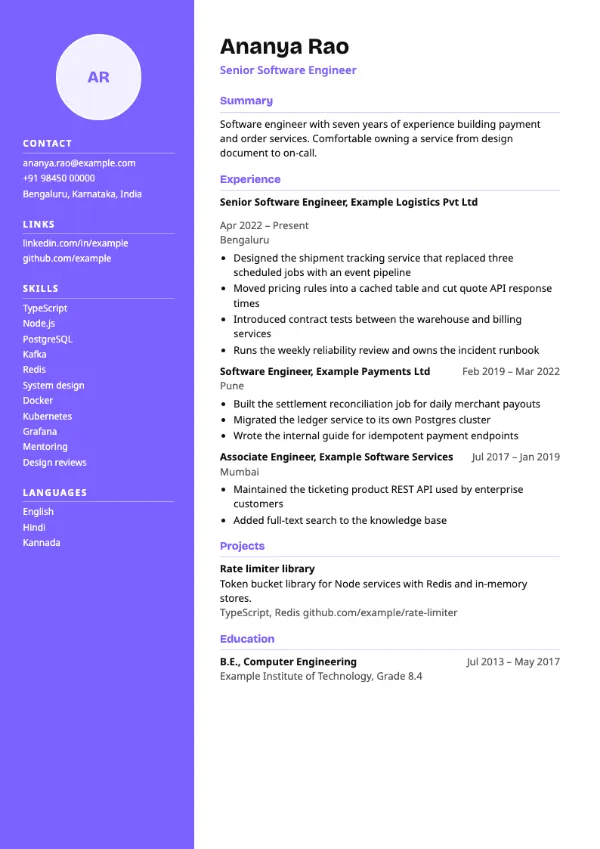
Two-column, Modern
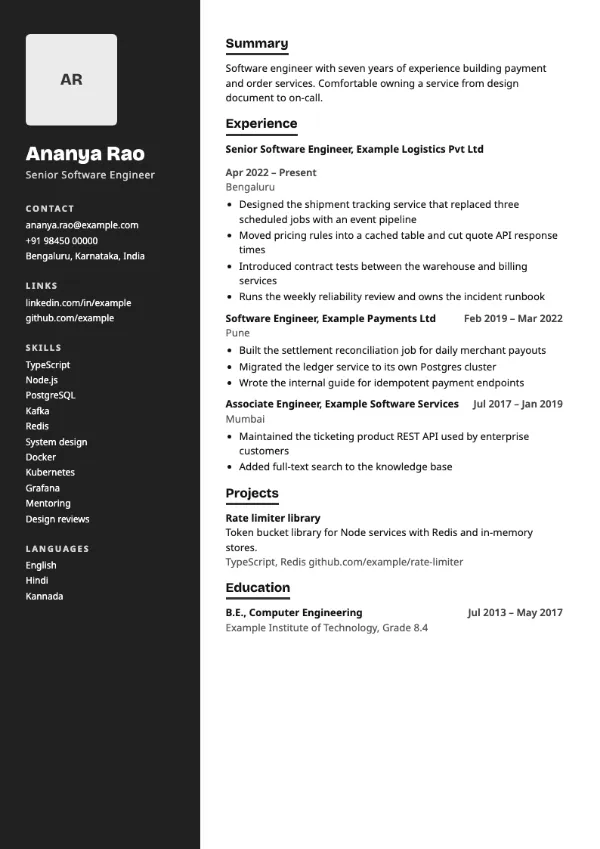
Preview with a fictional sample resume, in the default colour.
A deep, dark left column with photo, name, contact details and skills in white.
| Detail | Graphite |
|---|---|
| Layout | Two columns |
| Applicant tracking systems | Best for direct applications |
| Photo | Optional photo area |
| Default colour | Charcoal |
| Other colours | 10 more, including black |
| Categories | Two-column, Modern |
| Price | Free, including PDF download |
A full-height column in a darkened shade of the accent colour runs down the left side and holds your optional photo, your name, contact details, skills and languages. The main column on the right carries the summary, experience, projects and education on a white background.
Designers, developers and creative technologists who want a bold, high-contrast page for portfolio links, networking and direct contact with hiring managers.
Your name sits in the sidebar, and some applicant tracking systems read sidebars last or not at all. Use a single-column template for portal applications.
Dark columns print heavily. If the resume will be printed, choose charcoal or navy rather than a bright accent.
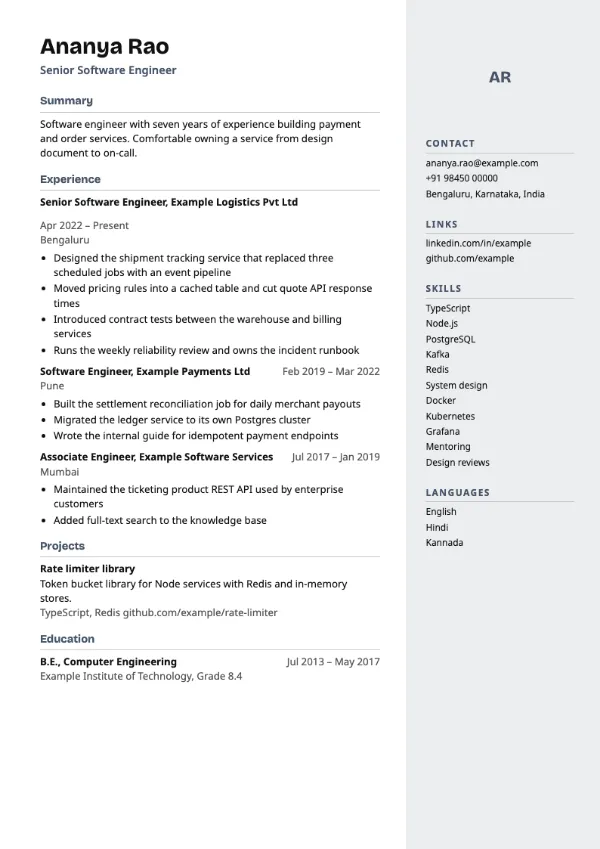
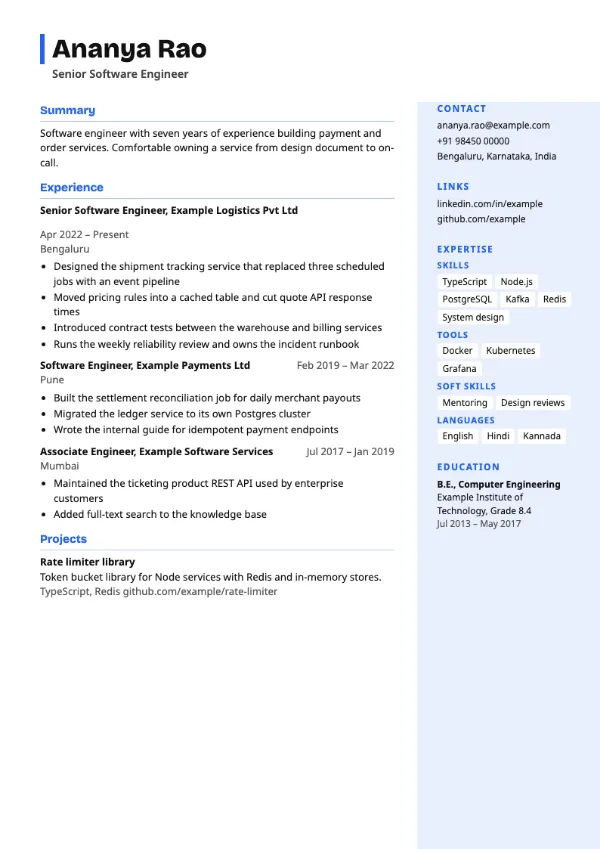
Build your resume with Graphite
Create a free account, fill in your sections and download a PDF. You can switch templates at any time.