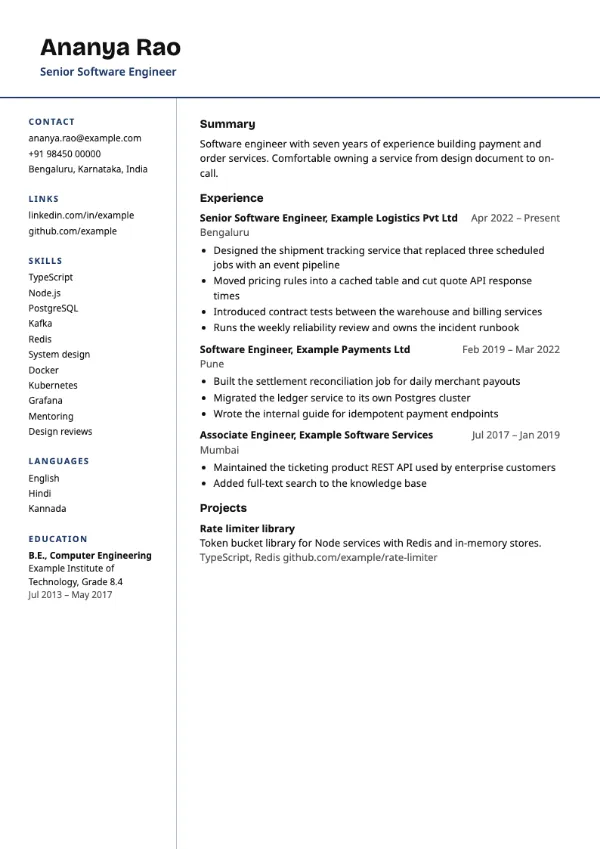
Two-column, Professional
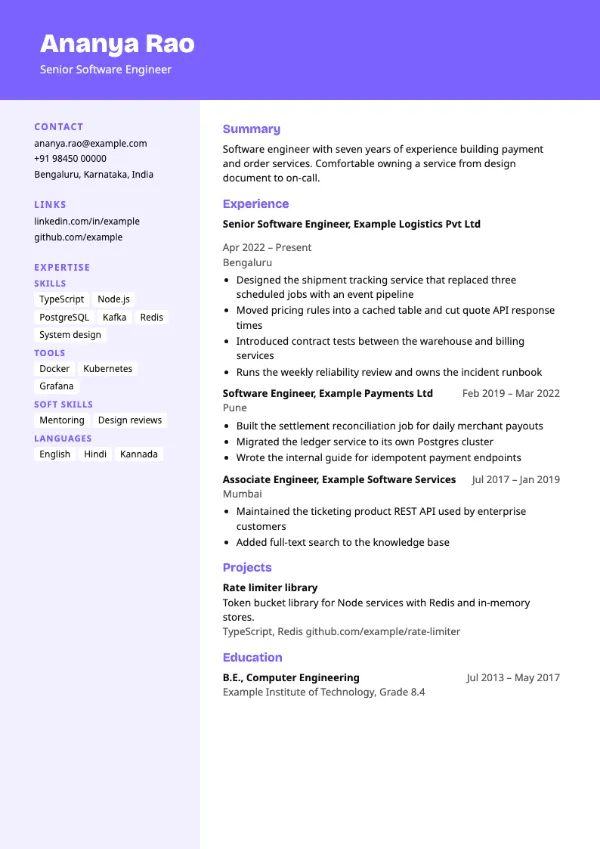
Preview with a fictional sample resume, in the default colour.
A coloured header band from the top edge and a tinted sidebar of grouped skill tags.
| Detail | Spectrum |
|---|---|
| Layout | Two columns |
| Applicant tracking systems | Best for direct applications |
| Photo | No photo area |
| Default colour | Violet |
| Other colours | 10 more, including black |
| Categories | Two-column, Skills-based, Combination |
| Price | Free, including PDF download |
A full-width accent band holds your name and title at the very top of the first page. A tinted left column lists contact details, links and your skills as grouped tags. The main column carries the summary, experience, projects and education.
Technology and digital candidates with broad skill sets, such as full-stack developers and growth marketers, who want skills and experience side by side on a colourful page.
This is a two-column, skills-heavy design and some applicant tracking systems read sidebars out of order. Use a single-column template for portal applications.
Many tags can look like keyword stuffing. Keep each group to six skills or fewer and put the strongest first.
Build your resume with Spectrum
Create a free account, fill in your sections and download a PDF. You can switch templates at any time.