Classic
ATS-friendlyTraditional
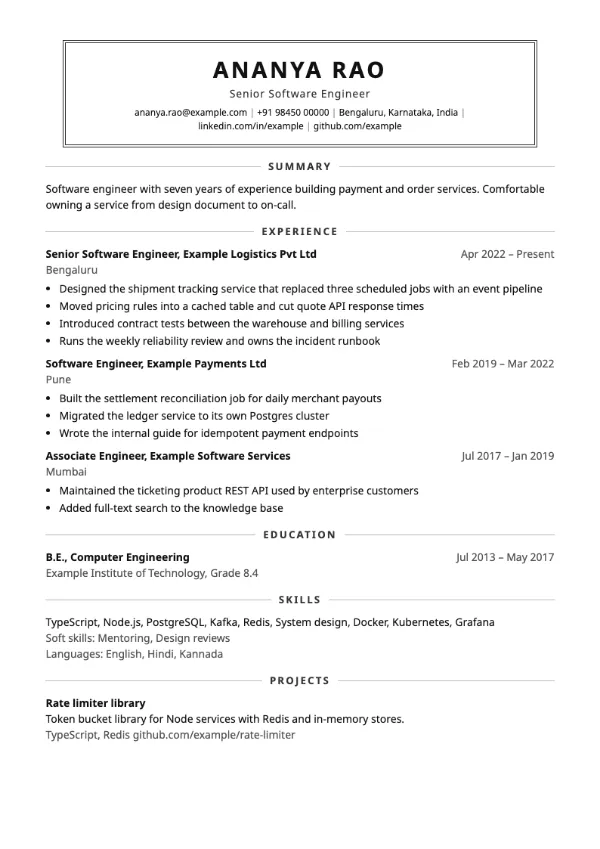
Preview with a fictional sample resume, in the default colour.
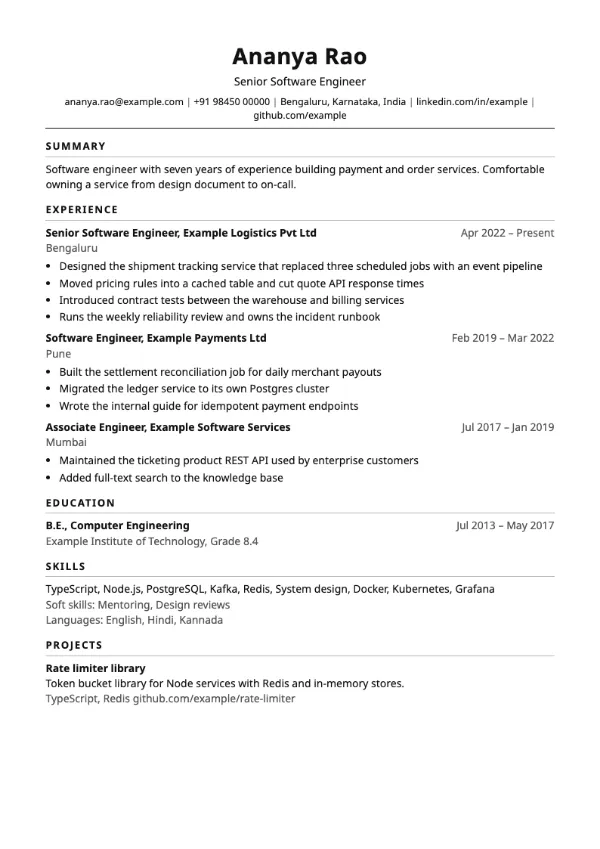
A centred name inside a double-ruled box, with headings centred between two rules.
| Detail | Keystone |
|---|---|
| Layout | Single column |
| Applicant tracking systems | ATS-friendly |
| Photo | No photo area |
| Default colour | Charcoal |
| Other colours | 10 more, including black |
| Categories | ATS-friendly, Traditional |
| Price | Free, including PDF download |
Your name, title and contact line are centred inside a box drawn with double rules, which gives the top of the page the feel of a letterhead. Every section heading is centred between two horizontal rules. The content below runs in one column in the standard order.
Teachers, civil servants, healthcare administrators and candidates in traditional industries who want a formal page that still looks considered rather than default.
The box and rules are borders, not a table, so the name and headings extract as ordinary text. It is marked ATS-friendly in the builder.
Formal layouts reward consistent punctuation. Either end every bullet with a full stop or none of them.
Build your resume with Keystone
Create a free account, fill in your sections and download a PDF. You can switch templates at any time.