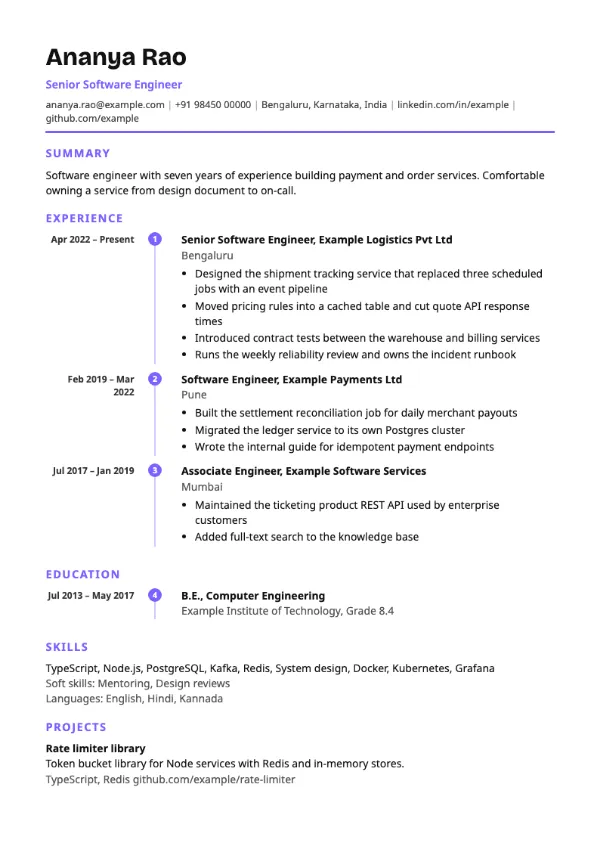
Timeline, Modern
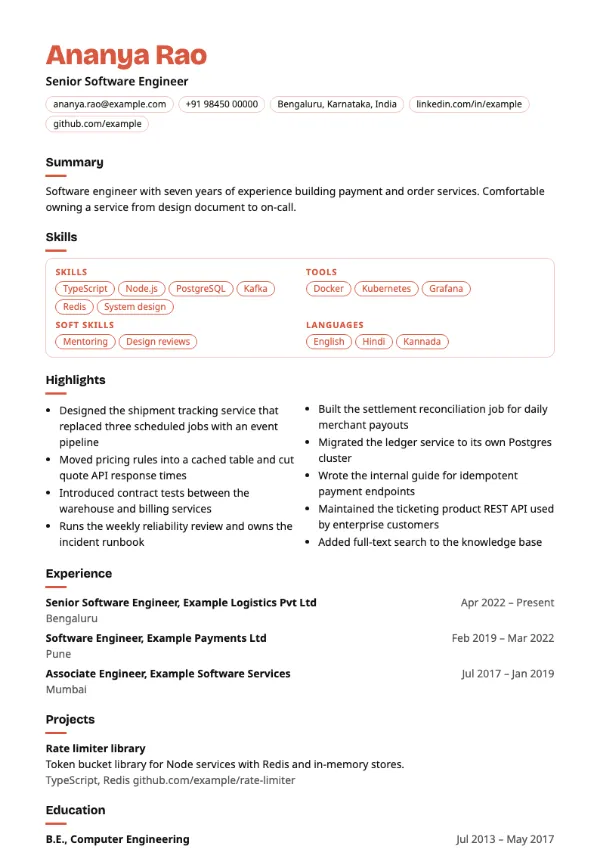
Preview with a fictional sample resume, in the default colour.
A functional layout with skills as pill tags in an outlined panel and highlights in two columns.
| Detail | Craft |
|---|---|
| Layout | Single column |
| Applicant tracking systems | Best for direct applications |
| Photo | No photo area |
| Default colour | Coral |
| Other colours | 10 more, including black |
| Categories | Skills-based, Modern |
| Price | Free, including PDF download |
Skills are shown as small rounded tags inside an outlined panel near the top of the page. Your highlights run in two narrow text columns underneath, followed by a short dated history. The coral default colour and tag style give it a creative feel.
Designers, content creators, social media managers and freelancers who want their range of skills to be the first thing a reader sees, and who apply mainly through portfolios and direct contact.
The two-column highlights section can be read out of order by some applicant tracking systems. For portal applications, use Capability, which shares this structure in a single column.
Keep tags to single skills such as Figma or Copywriting. Phrases inside tags wrap badly and look cluttered.
Build your resume with Craft
Create a free account, fill in your sections and download a PDF. You can switch templates at any time.