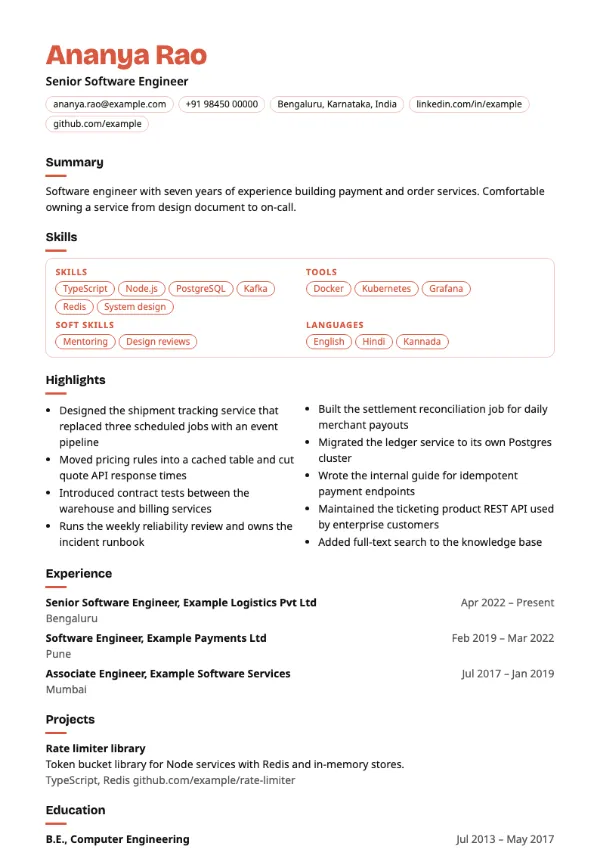
Skills-based, Modern
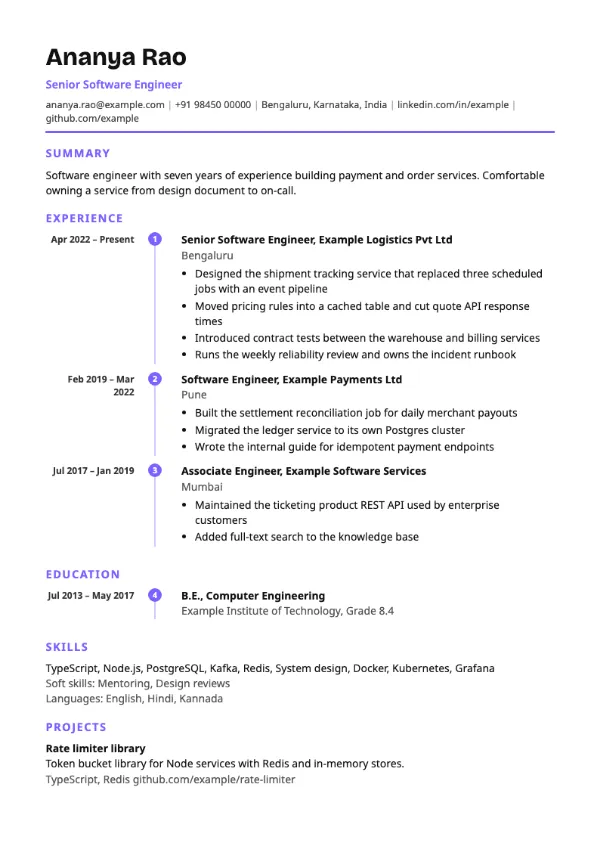
Preview with a fictional sample resume, in the default colour.
A timeline with bold dates on the right and numbered circular markers.
| Detail | Pathway |
|---|---|
| Layout | Single column |
| Applicant tracking systems | Best for direct applications |
| Photo | No photo area |
| Default colour | Violet |
| Other colours | 10 more, including black |
| Categories | Timeline, Modern |
| Price | Free, including PDF download |
Entries are connected by a vertical line with numbered circular markers, and the dates for each role are set in bold and aligned to the right. The numbering shows the sequence of your roles, while the right-aligned dates keep the timeline easy to scan.
Candidates showing a clear progression, such as trainee to team lead, in sales, support, operations or technology, for interviews and direct applications.
The markers and line are decoration, but timeline layouts are read less reliably by some applicant tracking systems. Use a single-column template for portals.
Numbered steps invite the reader to compare roles. Show what changed at each step: more scope, a bigger team or a harder problem.
Build your resume with Pathway
Create a free account, fill in your sections and download a PDF. You can switch templates at any time.