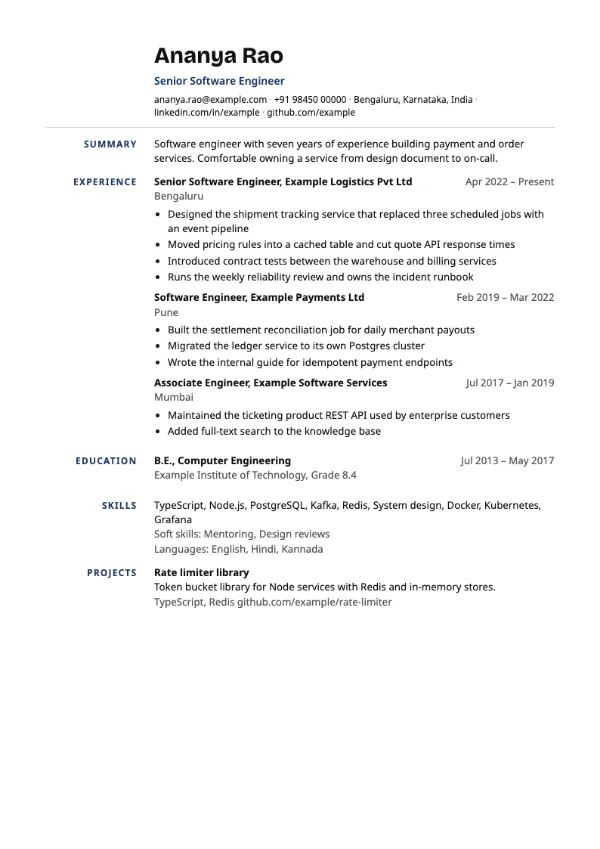
Professional, Traditional
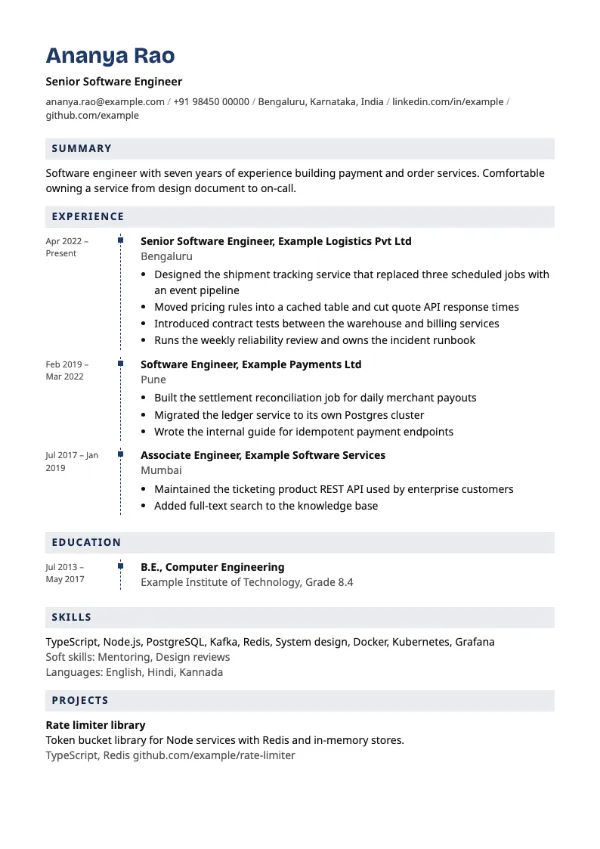
Preview with a fictional sample resume, in the default colour.
A dashed timeline with square markers and headings set on tinted bars.
| Detail | Trackline |
|---|---|
| Layout | Single column |
| Applicant tracking systems | Best for direct applications |
| Photo | No photo area |
| Default colour | Navy |
| Other colours | 10 more, including black |
| Categories | Timeline, Professional |
| Price | Free, including PDF download |
A dashed vertical line with square markers links your roles and qualifications. Section headings sit on pale tinted bars in the accent colour, navy by default. The look is structured and professional rather than playful.
Project managers, engineers and consultants who want a timeline view with a businesslike finish, for interviews and direct submissions to clients or hiring managers.
Some applicant tracking systems handle timeline layouts less consistently. Use Groundwork, which has similar tinted headings in a plain single column, for portal uploads.
A timeline suits project-based work. Name the client or project in each entry so the line tells a story of delivery.
Build your resume with Trackline
Create a free account, fill in your sections and download a PDF. You can switch templates at any time.