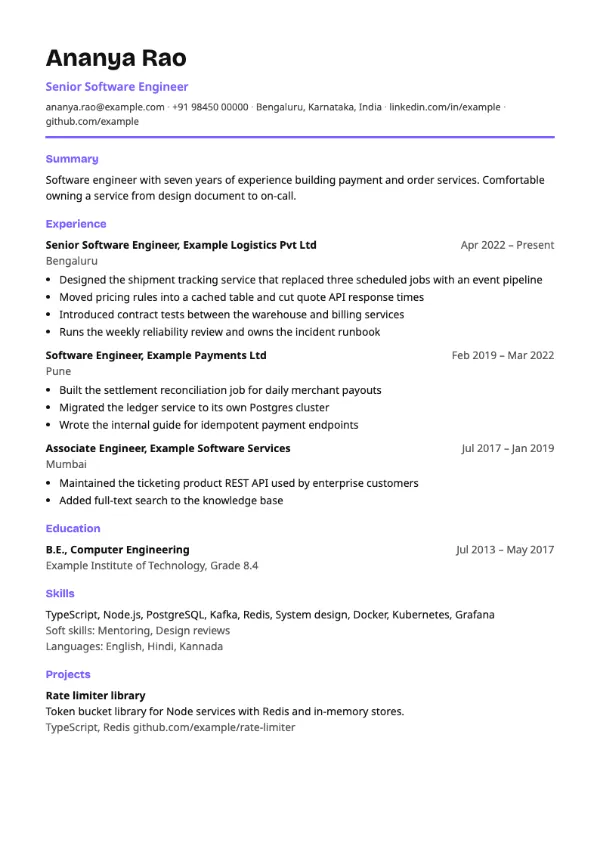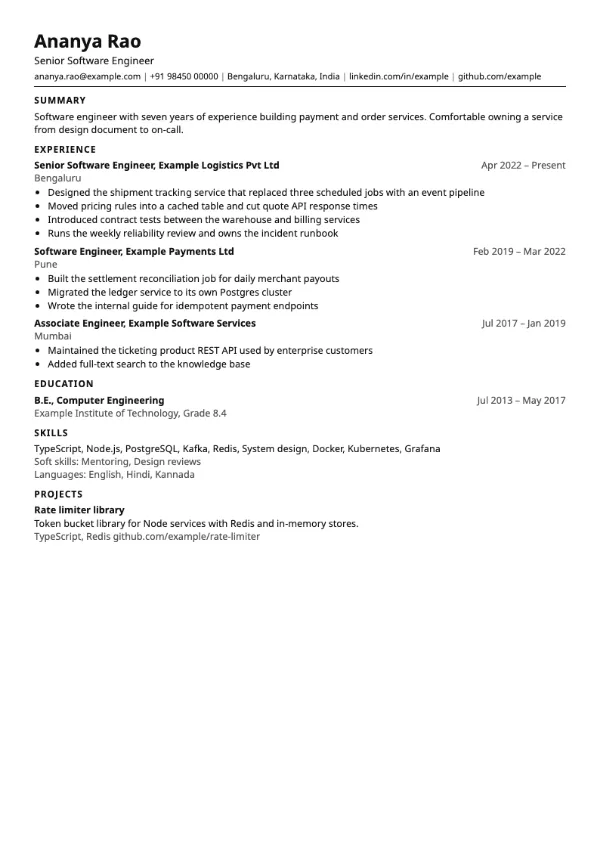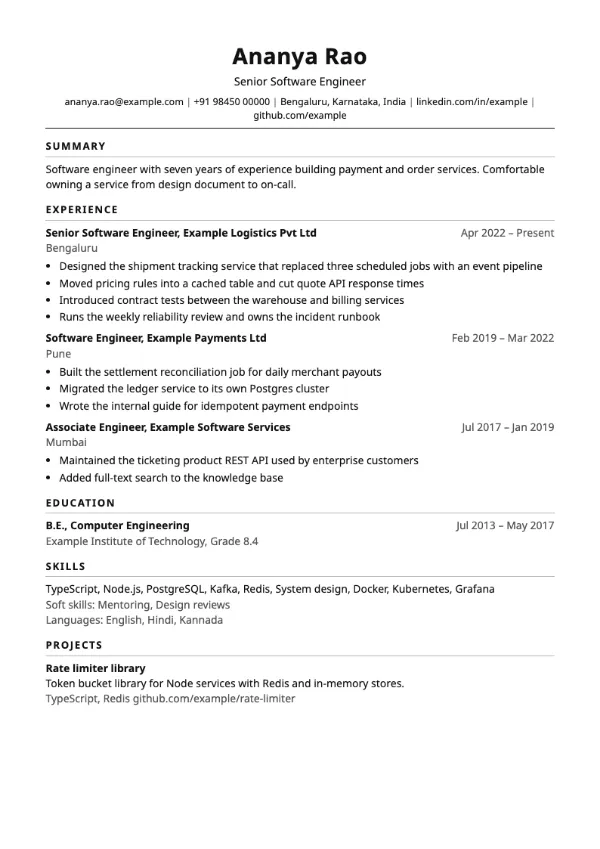
Classic
ATS-friendlyTraditional
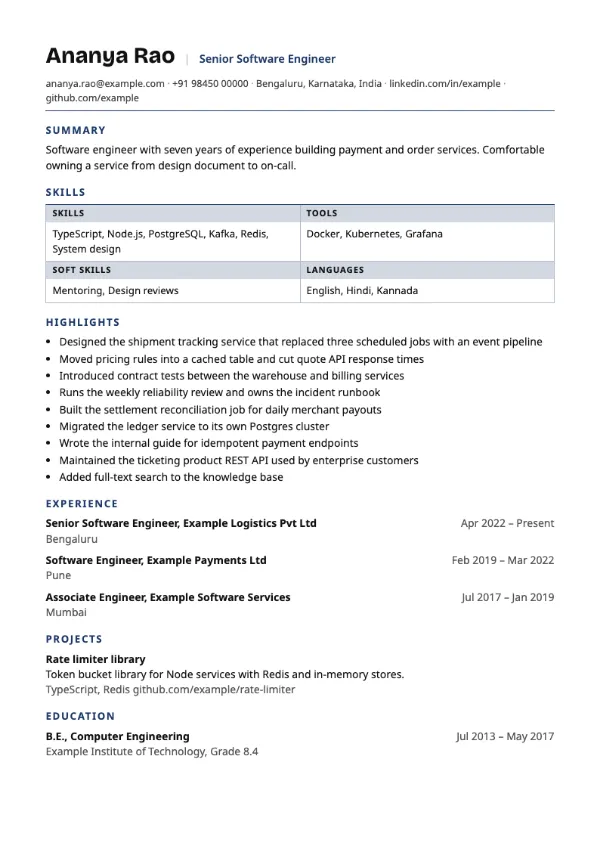
Preview with a fictional sample resume, in the default colour.
A functional resume with skills in a ruled grid, then highlights, then a dated history.
| Detail | Capability |
|---|---|
| Layout | Single column |
| Applicant tracking systems | ATS-friendly |
| Photo | No photo area |
| Default colour | Navy |
| Other colours | 10 more, including black |
| Categories | ATS-friendly, Skills-based |
| Price | Free, including PDF download |
After the summary, your skills appear in a ruled grid with tinted header cells for each group. A Highlights section then collects your strongest bullets from all roles in one list. The work history follows as a compact dated list of titles and employers without bullets, so the focus stays on what you can do.
Career changers, people returning after a break, and freelancers with many short engagements, where grouping achievements by skill tells a clearer story than a role-by-role list.
The history still lists every title, employer and date, which screeners and parsers look for. It is marked ATS-friendly, but some recruiters prefer to see achievements under each role, so use it when the role-by-role view would hurt you.
Each highlight should still say where it happened. Add the employer or project in a few words at the end of the bullet.
Build your resume with Capability
Create a free account, fill in your sections and download a PDF. You can switch templates at any time.