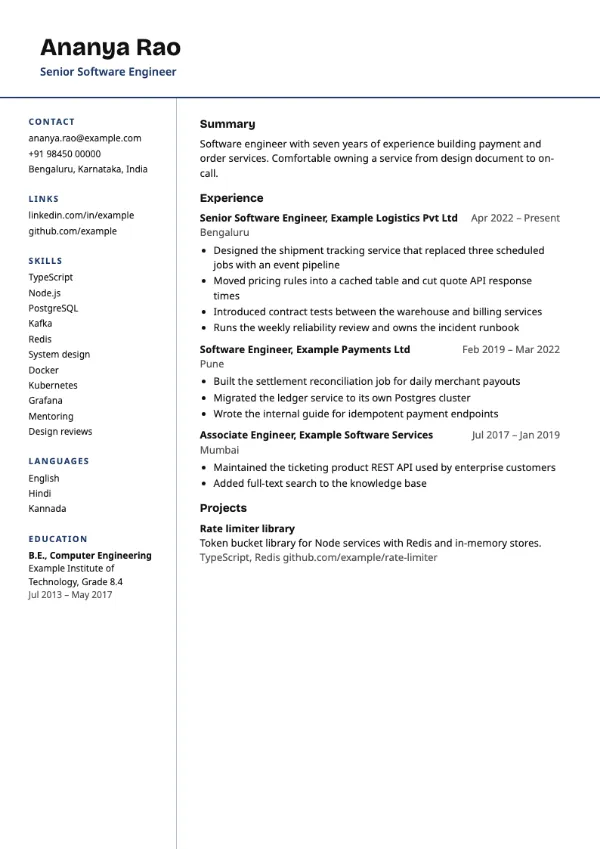
Two-column, Professional
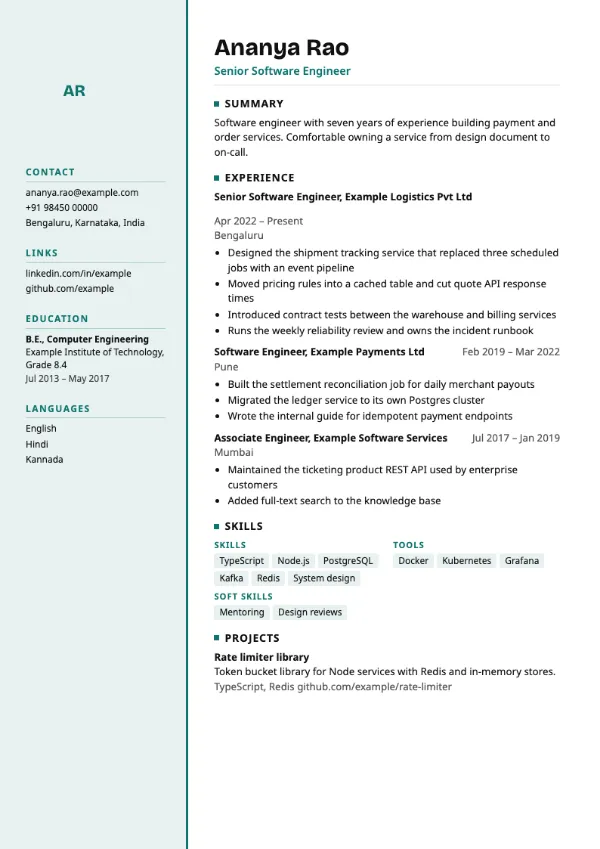
Preview with a fictional sample resume, in the default colour.
A tinted left column with a strong accent edge, a tall photo, education and languages.
| Detail | Splitline |
|---|---|
| Layout | Two columns |
| Applicant tracking systems | Best for direct applications |
| Photo | Optional photo area |
| Default colour | Teal |
| Other colours | 10 more, including black |
| Categories | Two-column, Professional |
| Price | Free, including PDF download |
A pale tinted column with a heavy accent edge runs down the left side, starting with an optional tall photo and followed by contact details, links, education and languages. Your name and the main content sit in the right column.
Candidates in hospitality, aviation, retail management and customer-facing roles where a photo is common, applying directly to employers.
Two-column layouts can confuse some applicant tracking systems, and education in a sidebar may be missed. Use a single-column template for portal uploads.
With education in the sidebar, the main column is mostly experience. Make sure your first role has your strongest bullets.
Build your resume with Splitline
Create a free account, fill in your sections and download a PDF. You can switch templates at any time.